ℹ Note: Some plans are limited with regard to number of uses.
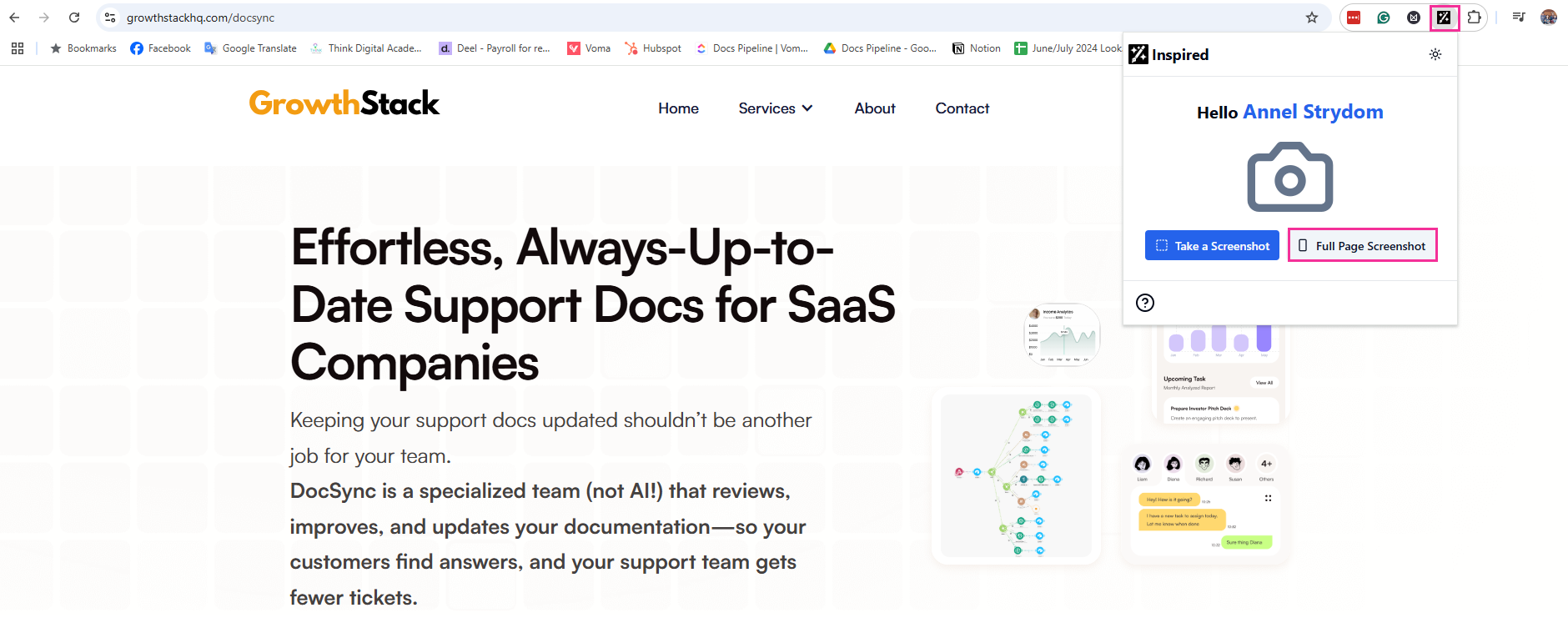
You can also use the Inspired Tool to take Full Page Screenshots.
Open your pinned Chrome Extension and select Full Page Screenshot.
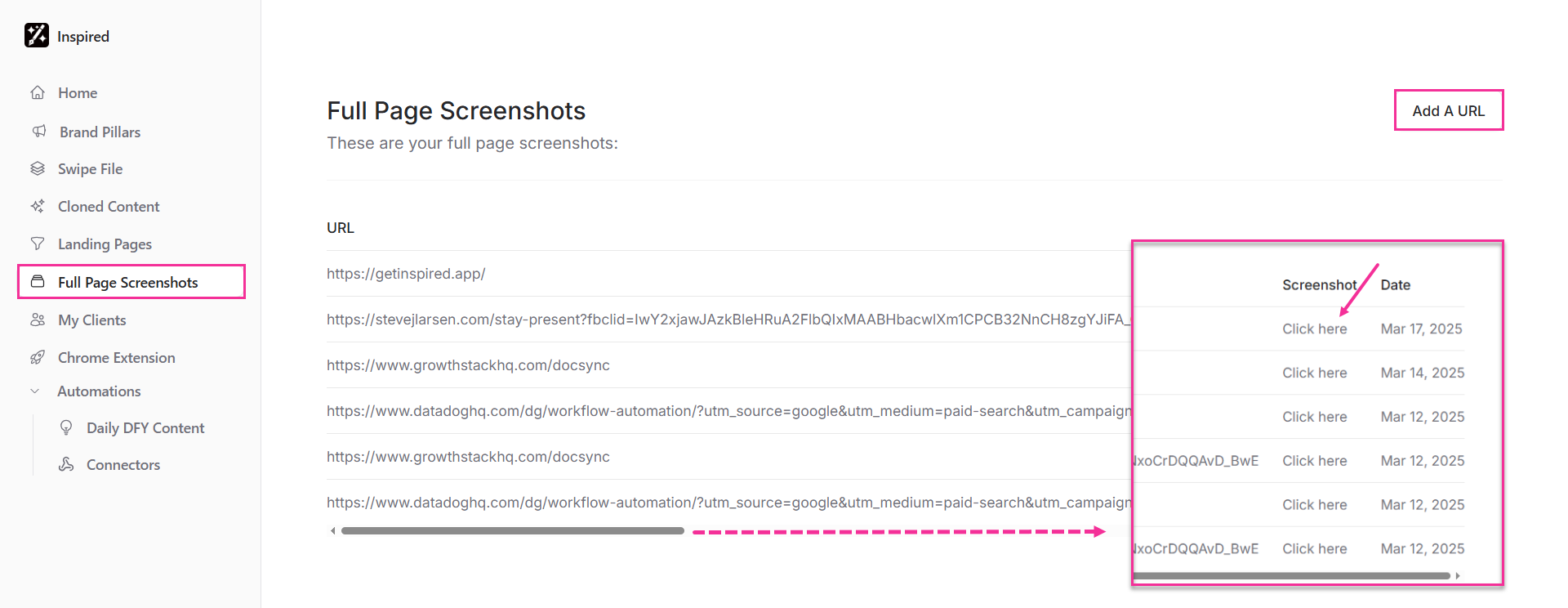
You can now view your screenshots in the Full Page Screenshots tab by scrolling to the end of your dashboard and clicking "Click here." From there, you can also add a new URL.