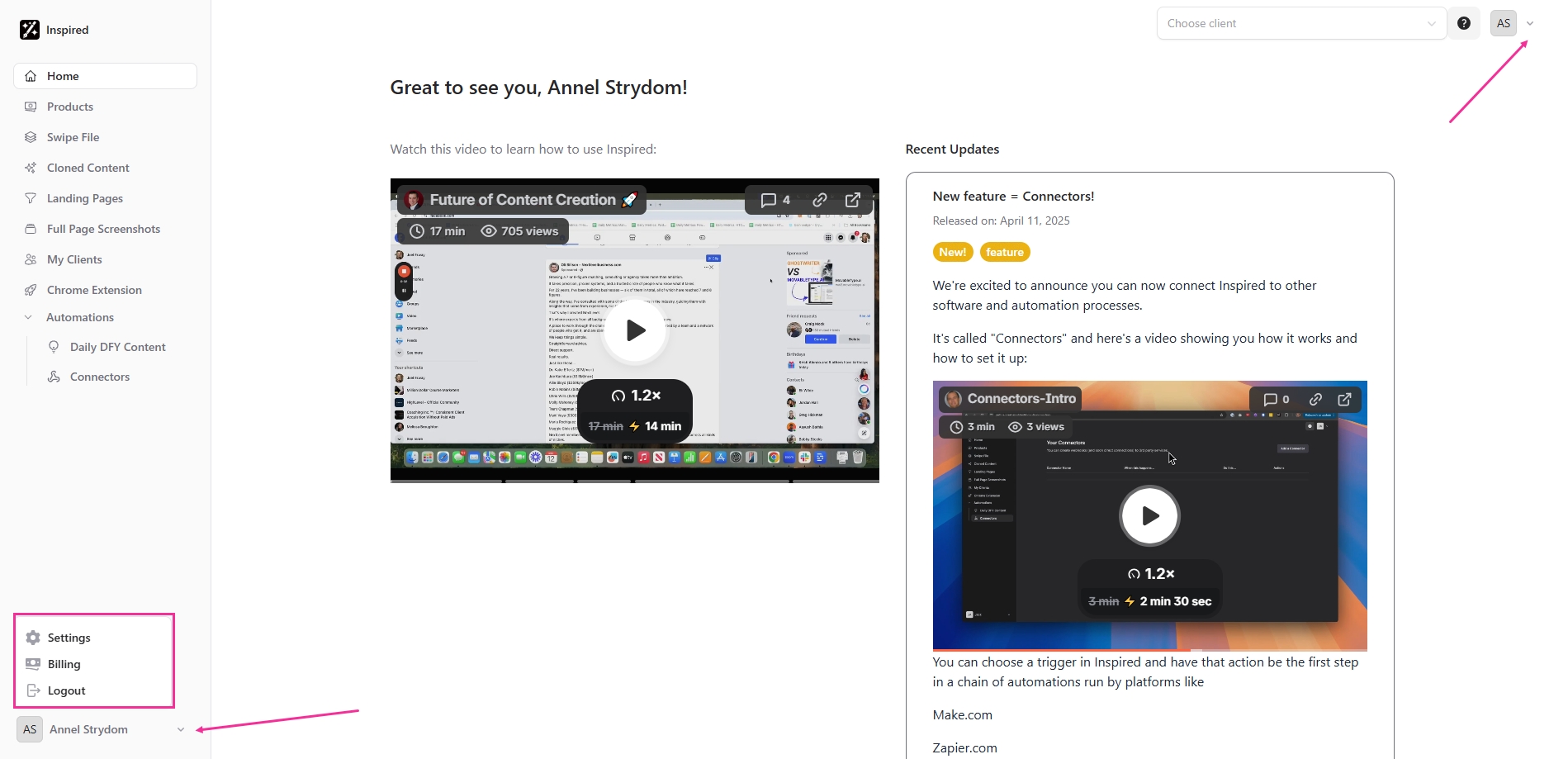
To change your account Settings, head over to the top right or bottom left corner of your screen, and click on the drop-down arrow next to your initials or name. A menu will open up, from which you can now select Settings.
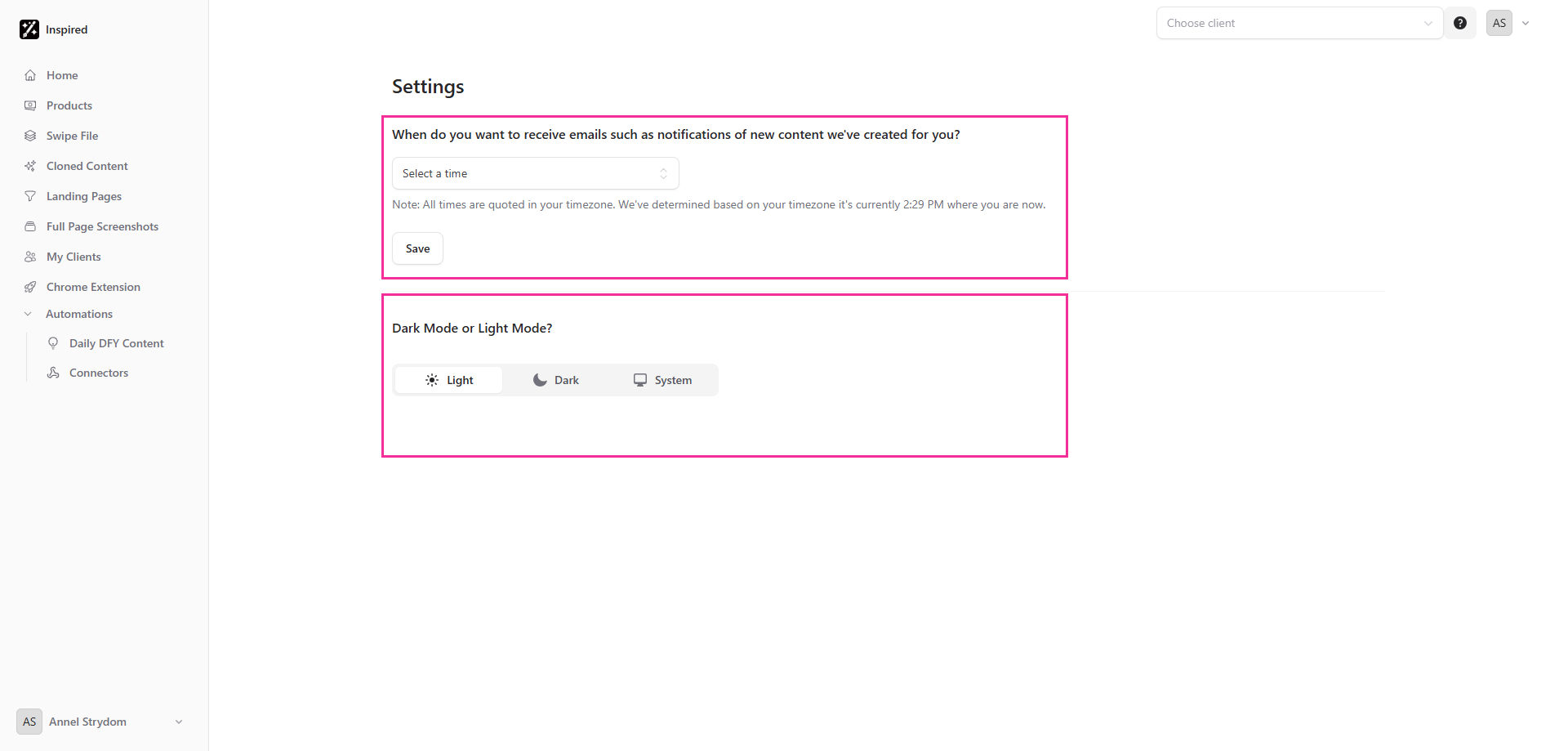
Here you will be able to customize when you’d like to receive emails from us, including notifications about new content we've created for you (all times are shown in your timezone). You can also set your default screen mode to Light or Dark.