
logo
Document Hub
Getting Started: The Complete Walkthrough
Collection
Getting Started: The Complete Walkthrough
Navigating the App
Collection
Quick Start Steps
Home Page
Brand Pillars
Swipe File
Cloned Content
Landing Pages
Full Page Screenshots
My Clients
Automations - Daily DFY Content
Automations - Connectors
Chrome Extension
Managing your Account
Collection
Help Resources: Docs
Help Resources: Technical and Account Support, Feedback, and Suggestions
Account: Settings
Account: Managing your Team
Account: Billing
Account: Logout
Contact the Inspired Support Team
Collection
Contact the Inspired Team
Document Hub
/
Managing your Account

Account: Billing

To manage your subscription or see billing information, head over to the top right or bottom left corner of your screen, and click on the drop-down arrow next to your initials or name. A menu will open up, from which you can now select Billing.
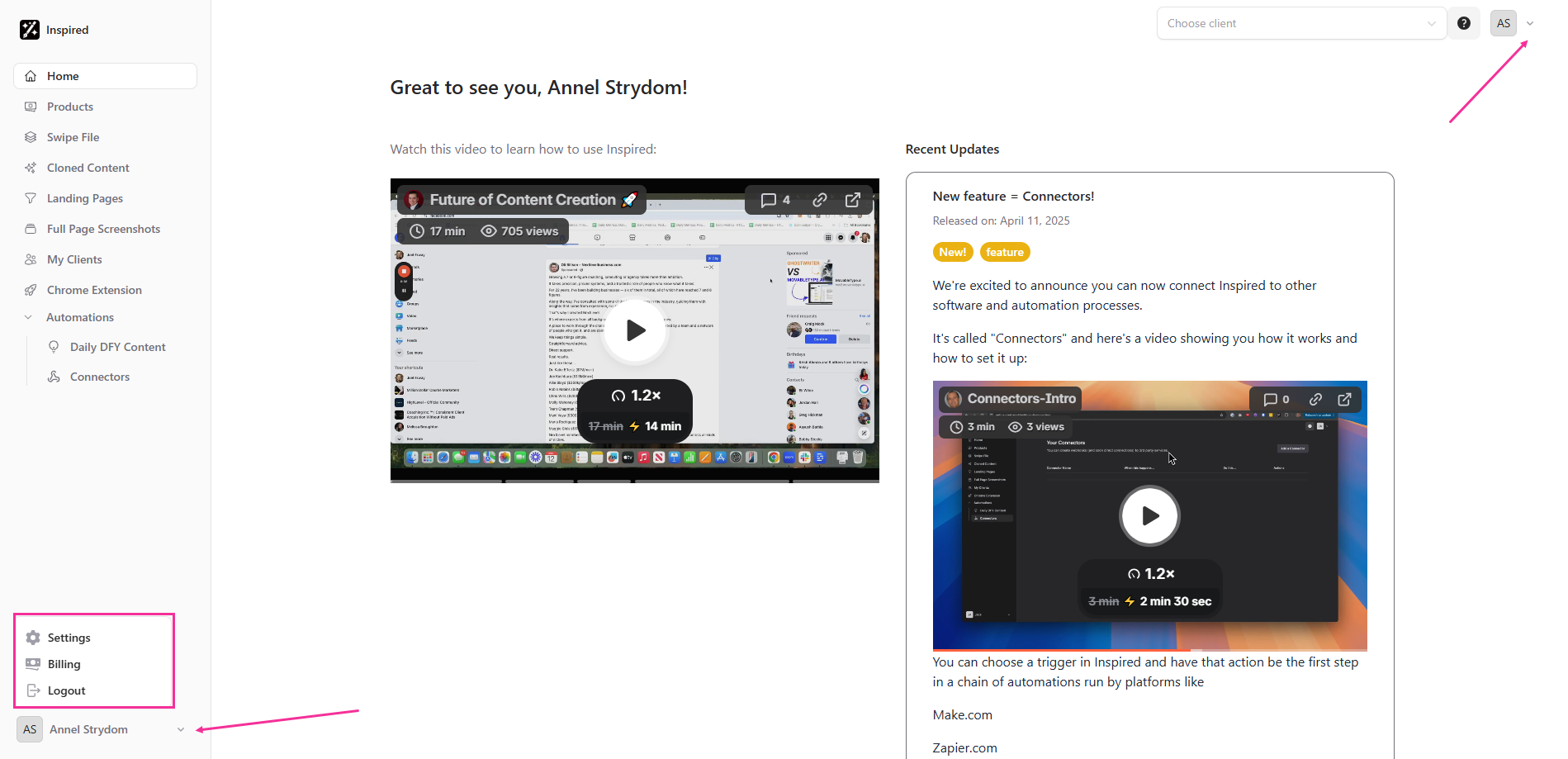
Image without caption
You will be directed to Stripe - enter your email to receive a link to your customer portal.
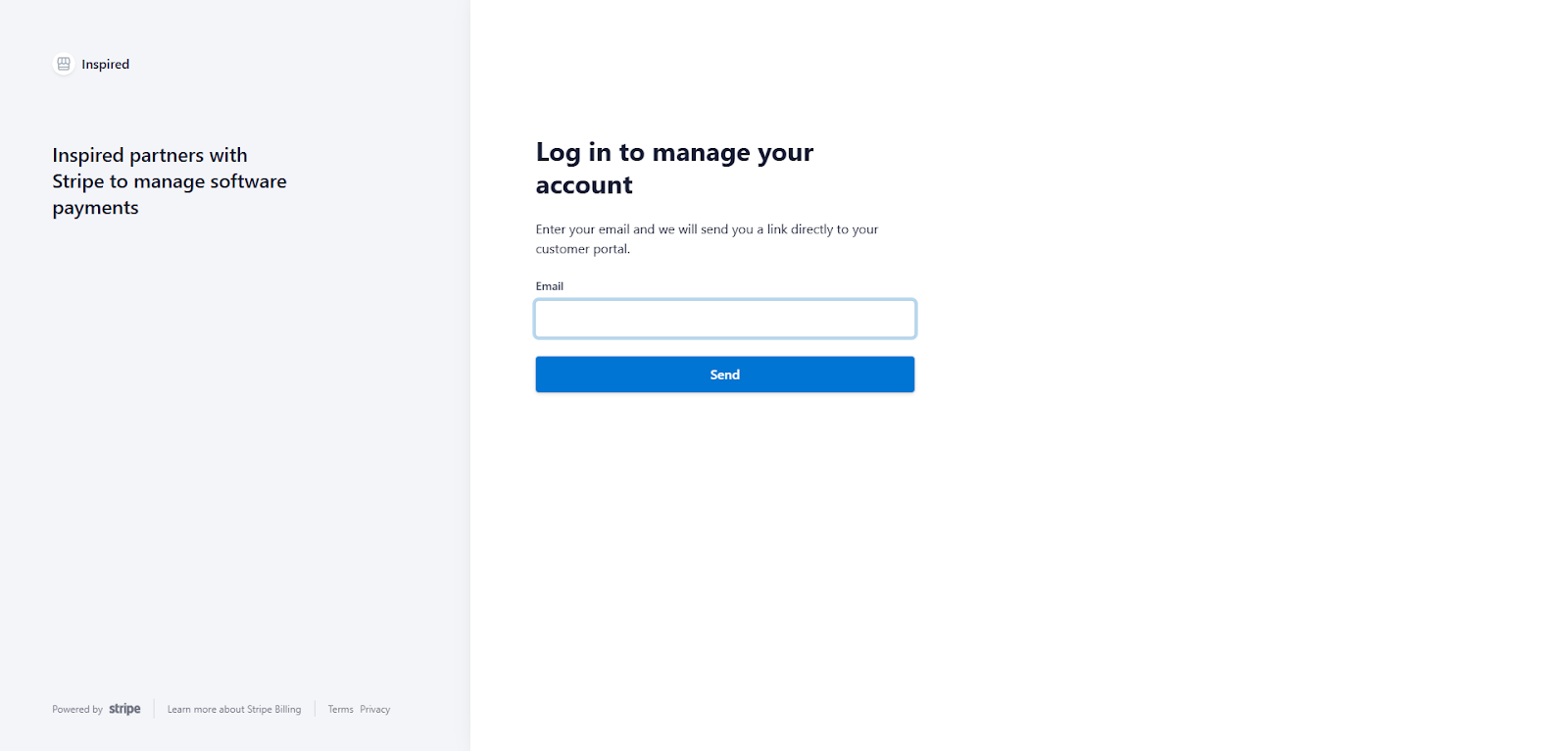
Image without caption
Account: Managing your Team
Account: Logout

Powered by Notaku
Helpful?
Inspired Website
Share