
If you’re on the Agency Plan, you can add an unlimited number of team members to your account.
To manage your team, click the dropdown arrow next to your avatar or initials (top right or bottom left of your screen) and select Teams.
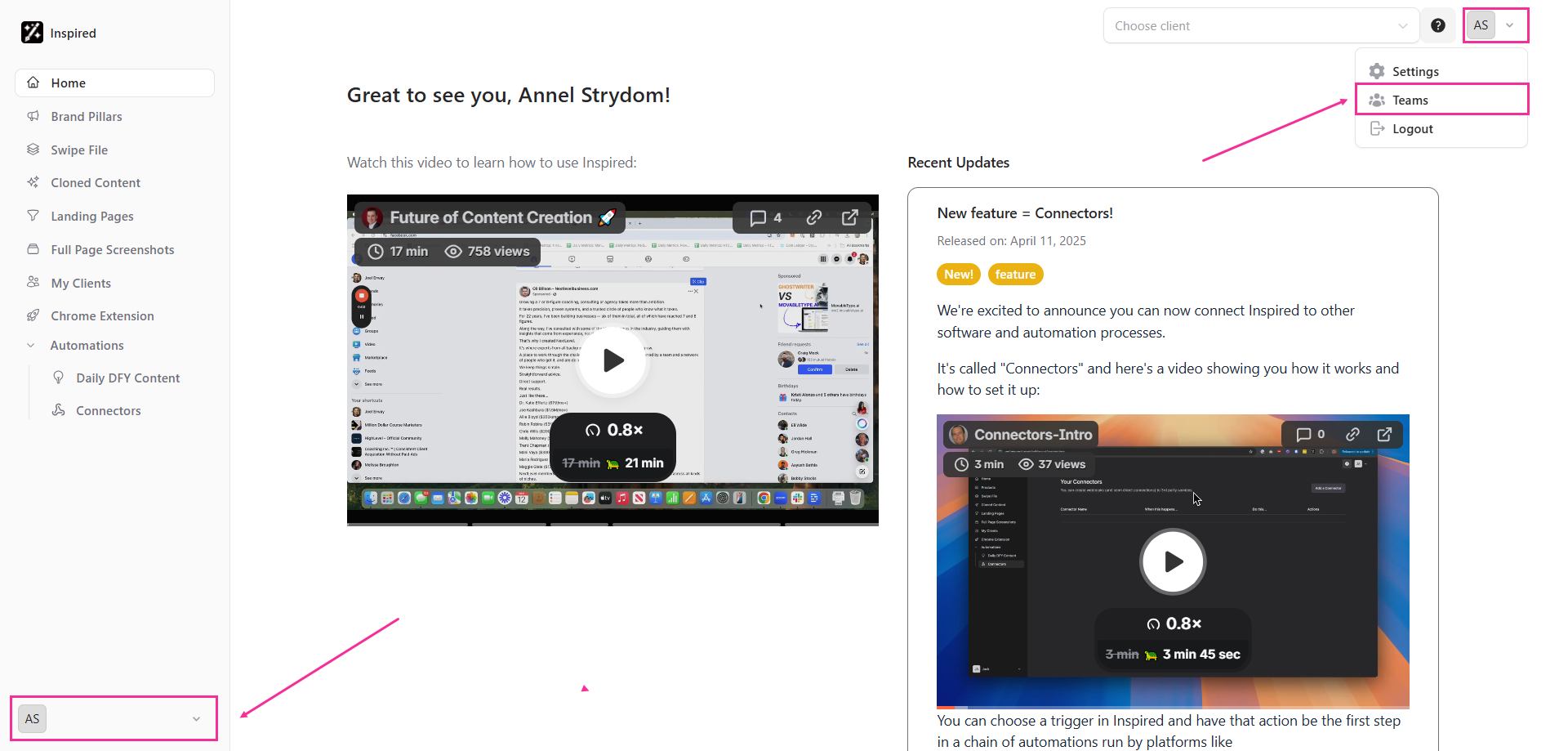
On the Teams screen, you can:
- Rename your team
- Invite new members by entering their email address and assigning a role to each member (Administrator or Editor)
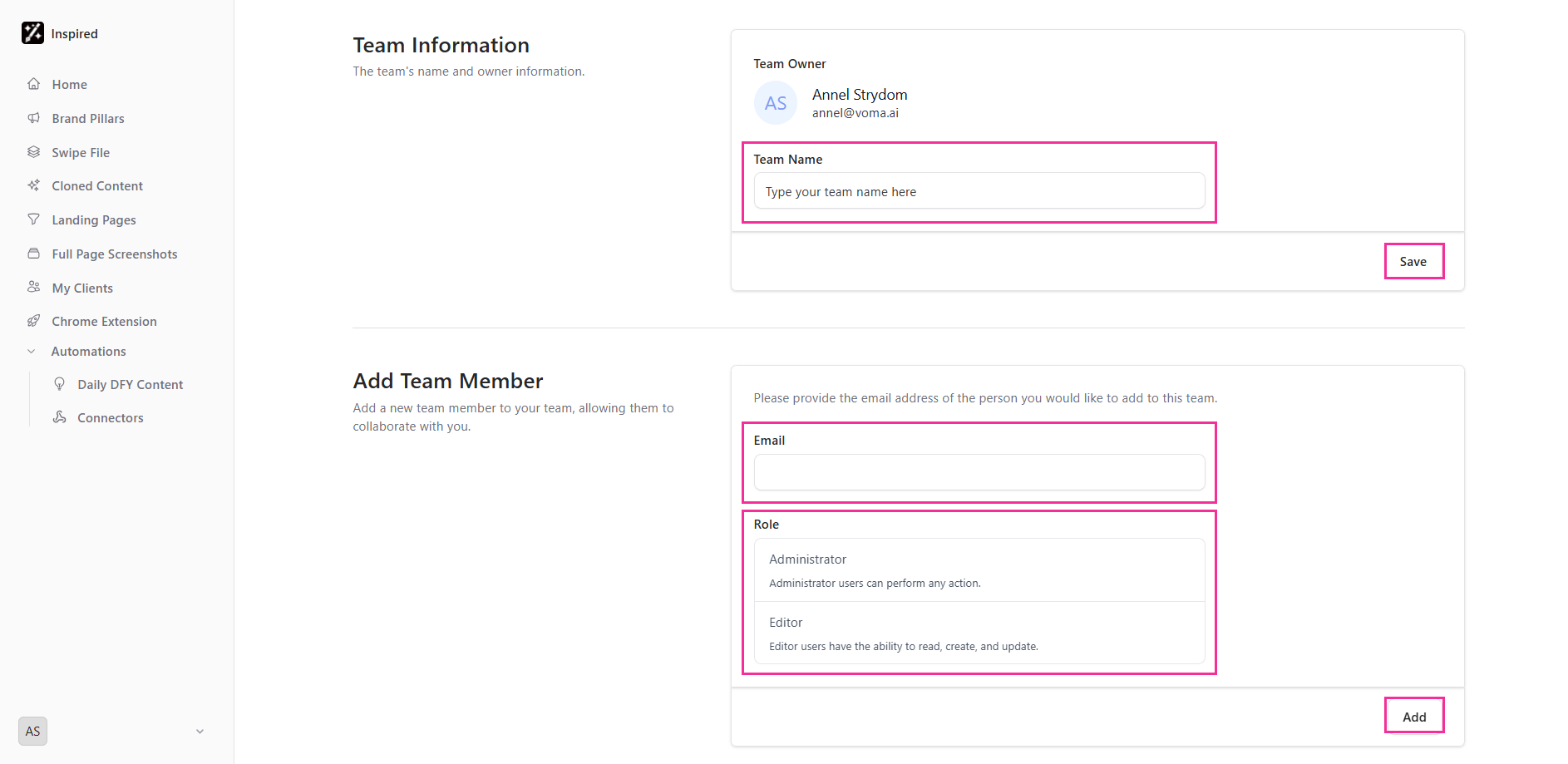
ℹ Note: The invited member must sign up using the exact same email address used in the invitation. If the emails don't match, they won’t be added to the team.